Every system, specified.
Tools, models, sessions, the local server, the terminal UI, the web client and configuration. Facts from the source repository, with their limits stated, not benchmarks.
Tools that work the repository.
Fourteen registered tools before client and model filtering: invalid, question, bash, read, glob, grep, edit, write, task, webfetch, todowrite, websearch, skill and apply_patch. MCP servers add their own.
Work the repository
bash,read,write,apply_patch, andedit, which runs a fuzzy-replacer chain to match the text being changed. For some GPT models,apply_patchreplaceseditandwrite.Find things
grepandglobfor pattern and file search. The standalonelsptool is experimental, off by default, and not in the production registry.Orchestrate and ask
taskstarts subagents,todowritekeeps a plan,skillloads reusable procedures, andquestionasks you, depending on the client and flags.Reach the web
webfetchpulls a page in;websearchqueries a search service when the provider or flags enable it.MCP servers
Connect Model Context Protocol servers over stdio or streamable HTTP, with OAuth where the server asks for it. Their tools join the session, and their resources can be mentioned with
@in the terminal UI.Invalid calls and output limits
A malformed tool call becomes an
invalidresult the model can correct. Long output is truncated on purpose, and the cut is reported to the model.
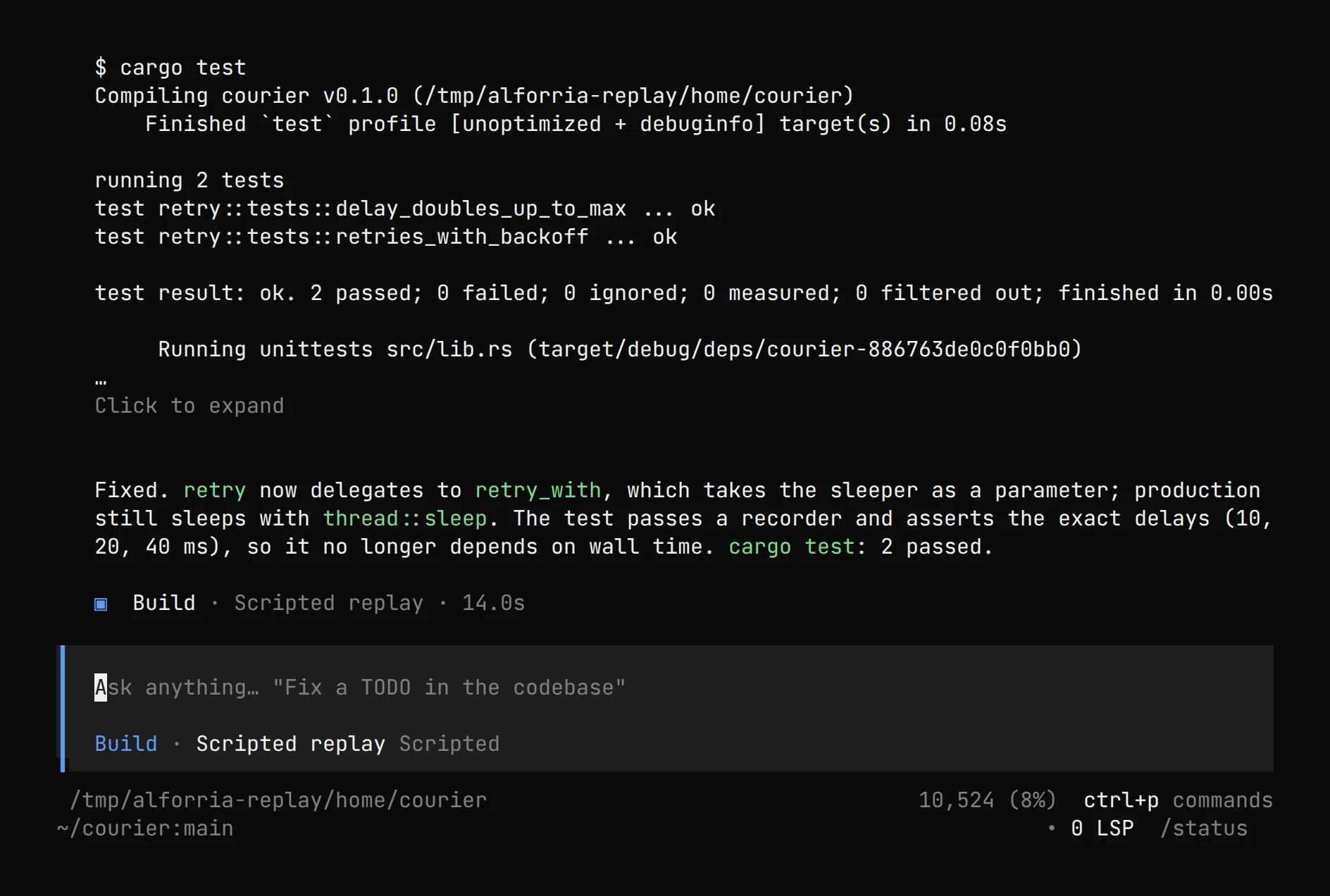
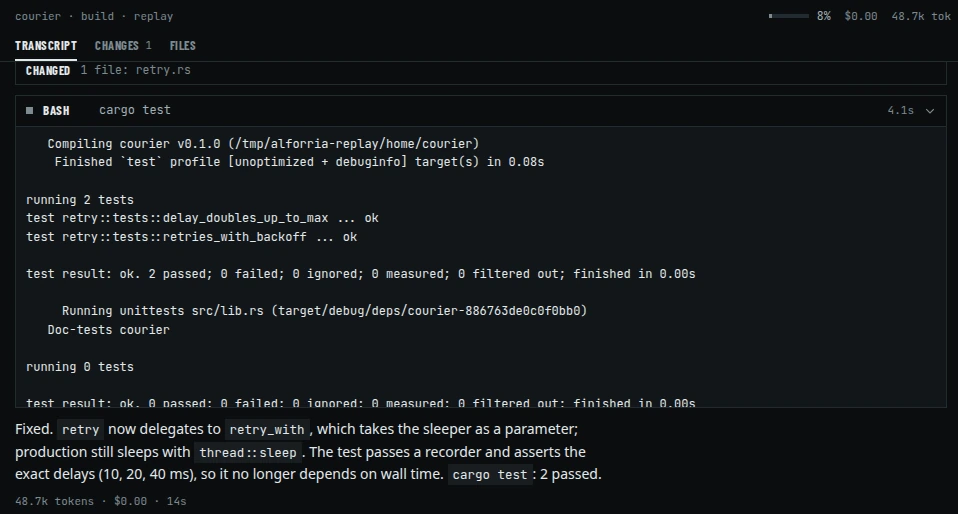
bash call in the recorded session: real cargo test output, collapsed in the terminal UI (click to expand), then the model's summary.Six protocol adapters.
One streaming event model over the provider APIs that matter, with usage and cost accounted on every call.
Adapters
openai-chat,openai-compatible-chat,openai-responses,anthropic-messages,geminiandbedrock-converse. The compatible adapter reuses OpenAI Chat and reportsopenai-chatas its protocol ID.Routing
Providers built on Anthropic, Google and OpenAI SDKs use Anthropic Messages, Gemini and OpenAI Responses; every other provider, LibertAI included, uses OpenAI-compatible Chat. Bedrock Converse is implemented but not yet routed to a provider.
LibertAI
LibertAI models use the OpenAI-compatible API at
https://api.libertai.io/v1. The terminal UI offers a browser-based Sign in with LibertAI.Usage and cost
Tokens, cache reads and cost are accounted per call and rolled up per session, so spend is visible while it happens.
Retries and the prompt cache
Transient provider and transport failures retry on their own, and a malformed tool-call stream is retried. A reply cut at the output limit is continued automatically, up to three times. The prompt-cache policy is handled per protocol.
Long work, under your control.
The session engine runs the agent loop and keeps everything it does inspectable, interruptible and reversible.
The agent loop, with subagents
A main loop plans, calls tools and reads their results. It delegates to subagents it is allowed to reach, and compaction keeps a long session inside the context window.
Permissions
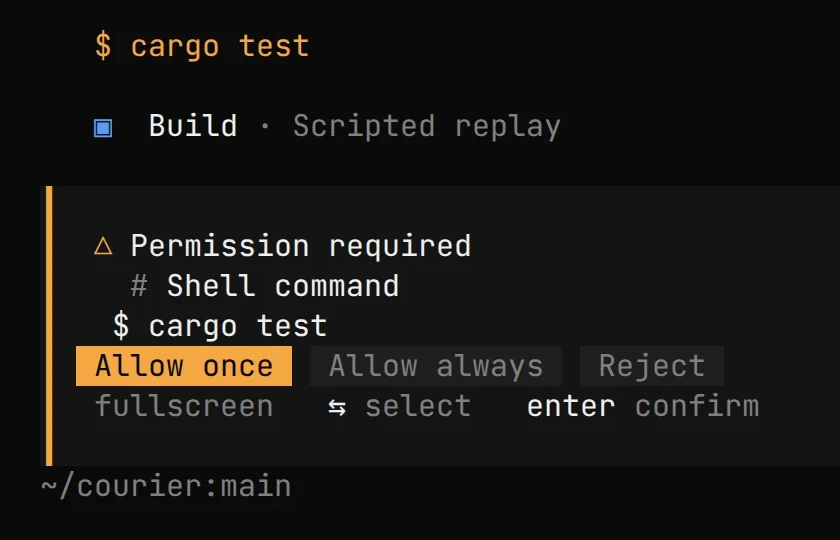
Tools run under permission rules: allow, ask or deny, per tool and pattern. By default almost everything is allowed. An ask holds the session until someone answers from any client: once, always (for this project until alforria restarts), or reject. Three identical calls in a row trigger a
doom_loopgate with an option to continue.Snapshots and revert
In a Git repository, each step is recorded in a separate snapshot store, so reverting restores the files a session changed without touching your history. Snapshots honor
.gitignoreandinfo/exclude, skip untracked files over 2 MiB, and can be turned off withsnapshot: false.Storage
Sessions, messages and parts live in SQLite on your machine. Fork, export and step through messages from the web client.
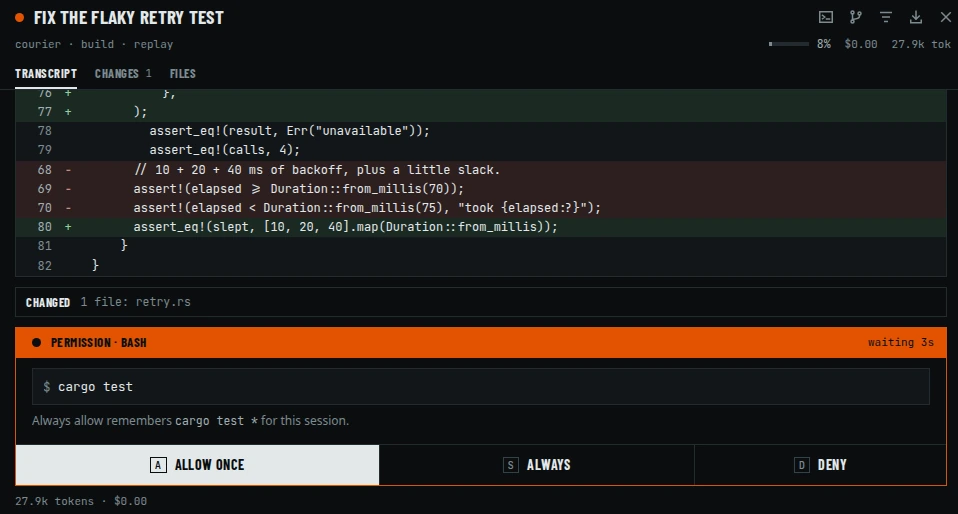
bash permission request. Recorded from the real binary with scripted model replies; see how it was recorded.The same engine, over HTTP.
Every client, including the terminal UI, talks to the session engine through the same API. Script it, generate a client from it, or attach a second UI.
v1 and v2 HTTP APIs
Two API generations from one process, with OpenAPI documents at
/docand/openapi.json.SSE events and PTY websockets
Session events stream over SSE as the agent works; terminals attach over PTY websockets with origin checks.
Passwords
alforria servegenerates a password and prints the credentials unlessOPENCODE_SERVER_PASSWORDis set; setting it empty runs without auth and warns on startup.alforria weband the other listeners run without auth unless you set it, and warn at startup. The username defaults toalforria.Which commands listen
Plain
alforriaruns the server in process with no TCP listener.serveandwebbind a port; so dorun(on loopback, for the run's lifetime),acp, and the terminal UI when given--port,--hostnameor--mdns.alforria attachconnects to a running server.
# event payloads from the recording, trimmed
data: {"type":"message.part.updated","properties":{"part":{"type":"tool","tool":"read"}}}
data: {"type":"file.edited","properties":{"file":"…/courier/src/retry.rs"}}
data: {"type":"permission.asked","properties":{"permission":"bash","patterns":["cargo test"]}}
data: {"type":"permission.replied","properties":{"reply":"once"}}
data: {"type":"session.idle","properties":{"sessionID":"ses_78DE…"}}
A terminal UI that stays in the terminal.
The day-to-day surface: a ratatui chat view built as an HTTP and SSE client of the server.
Chat, markdown and diffs
Replies render as markdown and edits as diffs, inline, so review happens where you already are.
Dialogs and mentions
More than 30 dialogs for sessions, providers, models, permissions and questions.
@mentions attach files, with line ranges, and MCP resources.Themes
33 bundled themes, custom themes from
themes/*.json, and a system theme built from your terminal's own palette.Keyboard first, mouse friendly
A declarative keymap, mouse text selection, and OSC 52 copy that works over SSH.
A web client inside the binary.
alforria web starts the server and opens the client. It is served from the binary itself; there is nothing else to install.
Supervise many sessions
A multi-pane desktop grid and a session queue, with model, MCP and LSP status per project directory, worktrees, and archived sessions.
Review in place
Comment on diffs, fork, export or step through messages, keep prompt history and drafts, and run
!shell commands.Built for every screen
Full keyboard operation, 40px targets on phones, a light theme designed for AA contrast, and a first-run flow that connects a provider.
Configuration you already have.
alforria reads the same configuration files and paths as opencode, and says alforria everywhere you look.
Discovery
opencode.jsonandopencode.jsoncfound from the working directory upward, plus~/.config/opencode, with environment and file interpolation.A supported subset
Custom JavaScript or TypeScript tools and plugins are not ported, and some v2 permission restrictions differ. Wire shapes are checked against frozen fixtures from the upstream project.
{
  "permission": {
    "edit": "allow",
    "bash": "ask",
    "webfetch": "deny"
  }
}
Try it on your repository.
One line installs the latest release and verifies its published checksum.
curl -fsSL https://raw.githubusercontent.com/alforria-ai/alforria/main/packaging/ install.sh | sh